
Cabin Chaos XMAS + Chaos Update
What the seasonal [XMAS + CHAOS] live title means for skins, beta flights, and crew priorities.
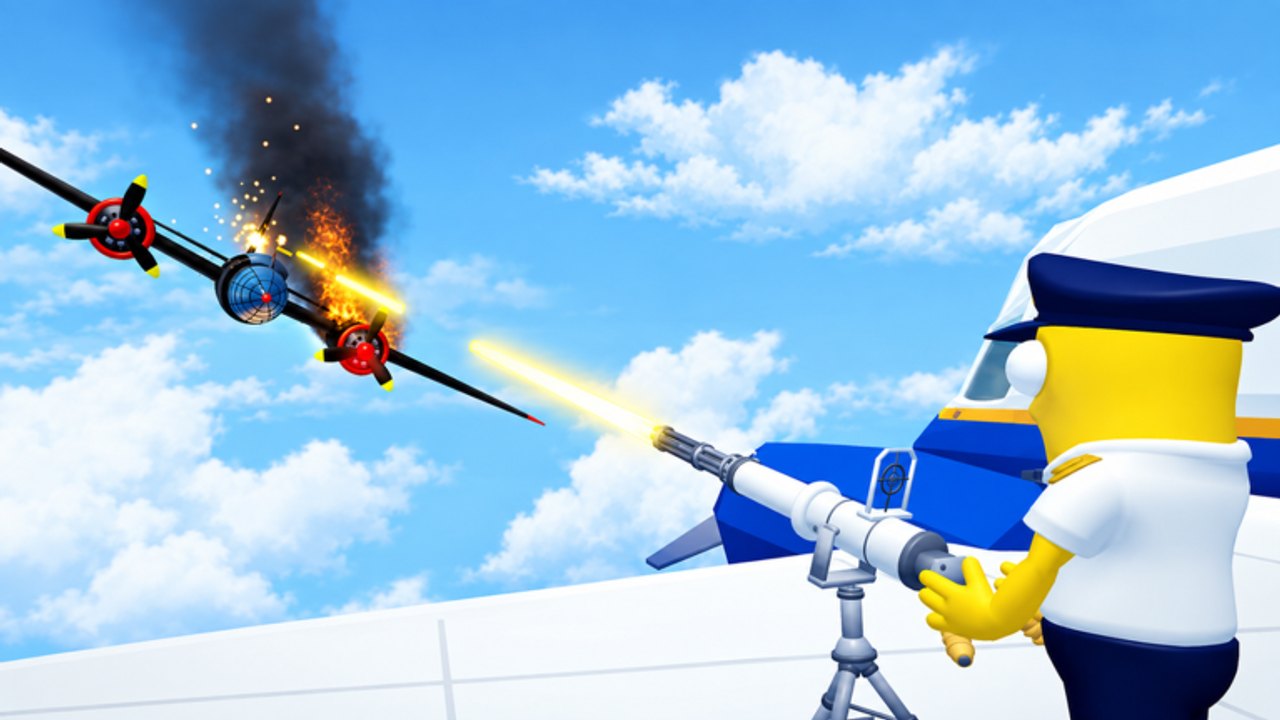
As of mid-November 2026, the live Roblox experience commonly appears as [XMAS + CHAOS] Cabin Chaos — seasonal branding on FriendSlop Interactive’s co-op airline cabin sim. This page explains what that label usually means for players, what to re-test after cosmetic-heavy drops, and how to keep flights alive while everyone flexes new looks.
This is not a fabricated patch-note dump with fake version numbers. Cabin Chaos remains in beta since 2026-08-29. We summarize player-facing impact from the live title, visit spikes, and community attention around skins. Parent hub: Updates Hub. Mindset deep dive: Beta Status.
Snapshot (November 2026)
| Signal | Detail |
|---|---|
| Live title branding | [XMAS + CHAOS] Cabin Chaos |
| Status | Still beta / early access |
| Soft launch tracked | 2026-08-29 |
| Server size | Up to 24 players |
| Currency | Wing Bucks |
| Ranks | Cadet → Sky Legend |
| Approx. traction | Multi-million visits with five-figure concurrent peaks observed |
| Codes | No confirmed active promos |
Always verify the exact title string and shop contents in the official place — Roblox thumbnails and prefixes can change between sessions.
What “XMAS + CHAOS” usually signals
Seasonal prefixes on Roblox experiences often mean:
- Cosmetic emphasis — new skins, emotes, or limited looks (sometimes also advertised as [NEW SKINS] in other windows)
- Shop / catalog churn — prices and bundles rotate while the fantasy loop stays familiar
- Social pressure — more screenshot stops and matching-crew themes in friend lobbies
- UI shuffle risk — tabs move when cosmetics ship beside unfinished beta systems
They rarely rewrite the entire airline fantasy overnight. You still check in passengers, load cargo, fuel, take off, serve meals, calm flyers, catch seat thieves, rescue toilets, repair mid-flight failures, and optionally chase island treasure.
Crew checklist after the seasonal drop
- Join a low-pressure lobby (friends preferred — Play with Friends).
- Run boarding → fuel → cargo → takeoff once without shopping.
- Confirm meal carts, calm interactions, thief catches, and toilet rescues still complete (Passenger Service).
- Trigger or wait for one repair-style event (Mid-Flight Events).
- Land, note Wing Bucks gained, then open cosmetics (Unlock Skins).
- Buy one readable outfit max if surplus remains (Skins & Emotes).
Use the Crew Checklist so photo ops do not erase prep discipline.
Economy and FOMO guardrails
Seasonal banners create spend spikes. Guardrails:
- Keep a Wing Bucks reserve (Wing Bucks and Ranks).
- Skip duplicate fits.
- Do not trust “buy now or deleted forever” rumors from random Discords (Links).
- Do not redeem codes from unrelated games like Cabin Crew Simulator (Codes).
- Do not install skin unlockers (Scripts, Executor Safety).
If FriendSlop later ships a real promo string, it will be listed on the Codes Hub with redeem steps — not invented here for SEO.
Gameplay priorities that still beat cosmetics
| Priority | Why it still matters |
|---|---|
| Callouts | 24-player silence fails flights (Tips and Tricks) |
| Prep jobs | Skins do not fuel the plane (Complete a Flight) |
| Crisis lane | Repairs beat emote parties mid-alarm |
| Teaching Cadets | Seasonal lobbies attract new players (Getting Started) |
| Island timing | Treasure after a stable landing (Island Side Quests) |
Task ranking context: Crew Tasks Tier List.
How this wiki will update the page
When the seasonal window changes, we will adjust:
- Live title wording if FriendSlop retires XMAS branding
- Notes on whether cosmetics were limited-time or permanent catalog adds
- Links to new guides if systems actually change (new routes, new currencies, etc.)
- Code tables only when a string is verified
Studio background: FriendSlop Interactive. Community index: Players Hub.
Practical “photo night” plan for friend groups
- Flight 1 — systems verification, no shop.
- Flight 2 — clean service attempt with callouts.
- Landing photo break for new XMAS looks.
- Optional island run if energy remains.
- Shop with surplus only.
That order keeps [XMAS + CHAOS] fun without turning the airline into a dressing room that never leaves the gate.
If something feels broken
Beta + seasonal UI churn can softlock prompts. Rejoin once, rotate roles, and report clearly through official channels. Do not assume every glitch needs an executor. Read Beta Status for bug mindset.
Bottom line for November 2026
[XMAS + CHAOS] means festive chaos energy and cosmetic attention on a still-beta Cabin Chaos. Re-test the loop, spend calmly, teach new Cadets, and treat skins as celebration after the carts roll. For the wider patch radar, return to the Updates Hub.
Frequently Asked Questions
Quick answers for Cabin Chaos crews on Roblox.
What is the Cabin Chaos XMAS + Chaos update?
It refers to seasonal [XMAS + CHAOS] branding on the live Roblox title, usually highlighting cosmetics and chaos energy while the game remains in beta.
Did the update add working codes?
No promo codes were confirmed in November 2026 research. Check the Codes Hub if FriendSlop publishes one later.
Should I buy every new skin immediately?
No. Finish a verification flight, keep a Wing Bucks reserve, and buy readable outfits you will actually equip.
Does XMAS branding change the core loop?
Usually cosmetics and shop churn come first. Still re-test meals, thieves, toilets, and repairs after any drop.
Where do I track non-seasonal beta expectations?
Read Beta Status for unfinished systems and bug mindset, and the Updates Hub for the wider index.