
Cabin Chaos Beta Status
What “beta” really means for FriendSlop’s 24-player cabin sim — bugs, gaps, and smart play habits.
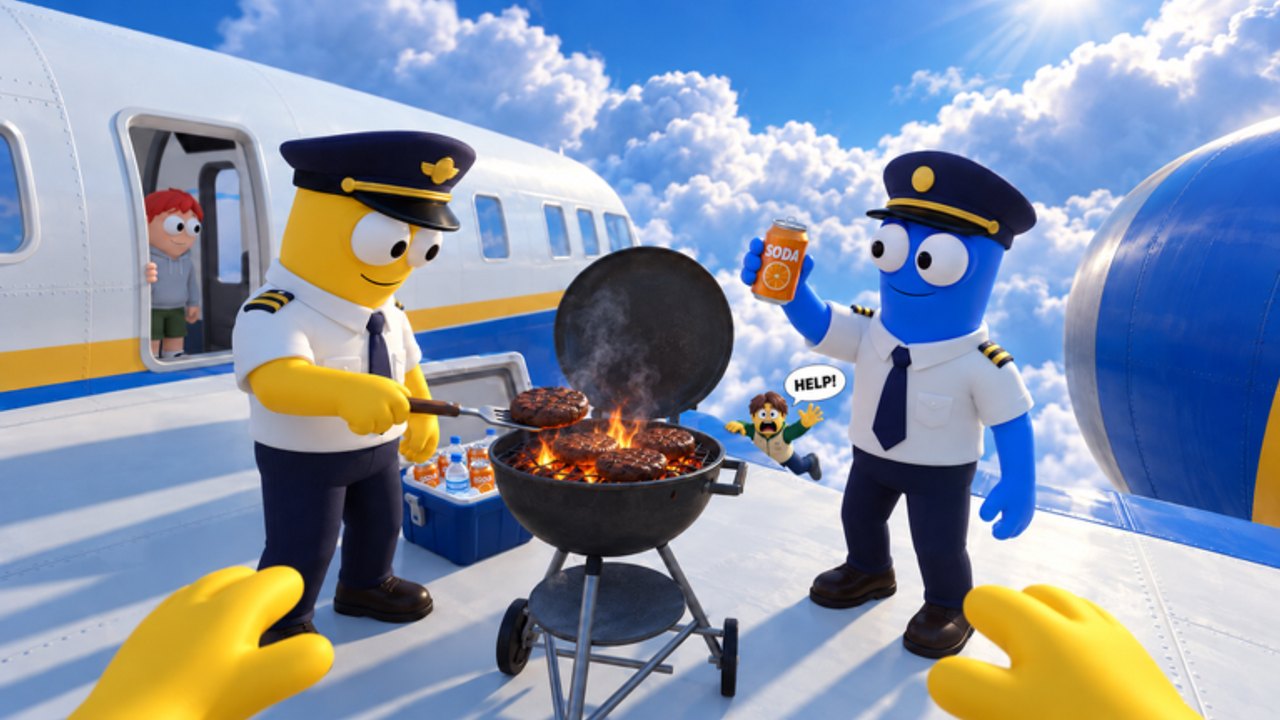
Cabin Chaos launched into beta on 2026-08-29 as a Roblox co-op airline cabin experience from FriendSlop Interactive. Beta is not a marketing sticker here — it is a promise that systems will shift under your feet while you serve meals at altitude. This page sets expectations so frustration turns into adaptable crew play.
For a higher-level patch index, return to the Updates Hub. For November 2026 seasonal [XMAS + CHAOS] branding, read XMAS + Chaos Update. For studio context, see FriendSlop Interactive.
What beta means in practice
- Features can be unfinished — island quests, cosmetic shops, or task prompts may feel half-wired.
- Bugs are normal — stuck passengers, odd physics after R ragdoll, or desynced objectives can appear in busy 24-player servers.
- Balance will move — Wing Bucks payouts and rank pacing from Cadet toward Sky Legend can change without a long essay.
- UI labels relocate — today’s Codes button (if any) or skins tab might sit elsewhere next week.
- Documentation lags live builds — always re-test after a noticeable update.
None of that makes the fantasy weak. It means your best skill is crew communication, not memorizing one brittle route forever.
Core fantasy that is already playable
Even in beta, the fantasy loop is clear:
- Prepare the aircraft — check-in, cargo, fuel, takeoff readiness.
- Survive cabin service — meals, calming flyers, seat thieves, toilet rescues.
- Handle mid-flight failures and repairs.
- Optionally chase island side stories such as the desert mine and glacier wreck.
- Earn Wing Bucks, unlock skins/emotes, and climb ranks.
Deepen each pillar with Getting Started, Passenger Service, Mid-Flight Events, Island Side Quests, and Complete a Flight.
Unfinished or rough edges to expect
Treat the following as possible, not a guaranteed bug list for your exact build:
- Tutorial hints that stop matching the live HUD
- Task markers that linger after completion
- Passengers who refuse interaction until you rejoin
- Collision weirdness in galley aisles during ragdoll spam
- Island quest objectives that need a server hop to refresh
- Shop previews for skins that do not match equipped results
- Audio or emote timing quirks after cosmetic patches
When something blocks a flight, rotate roles using the Crew Tasks Tier List and the Crew Checklist so one softlock does not end the whole run.
Bug mindset for co-op crews
Do
- Call out bugs in plain language (“toilet prompt dead on row C”) so teammates adapt.
- Soft-reset by leaving and rejoining if a single objective freezes.
- Reproduce once on purpose before blaming a teammate.
- Keep a sense of humor — the game is literally named Chaos.
Don’t
- Instantly download executors to “fix” softlocks — see Scripts Hub and Executor Safety.
- Harass developers over every beta rough edge.
- Spend entire Wing Bucks savings the hour before a known cosmetic update without reading Skins & Emotes.
- Assume every rumor code works — verify on the Codes Hub.
Performance and server realities
Full cabins (toward the 24-player cap) create more funny moments and more physics stress. If your client stutters:
- Lower Roblox graphics temporarily during meal rushes
- Avoid stacking every player in one galley tile
- Assign runners for repairs so the whole server is not pathing identically
- Learn movement tech on Controls instead of relying on ragdoll to clip past crowds
Economy and ranks during beta
Wing Bucks and the Cadet→Sky Legend ladder can be retuned. Good habits:
- Track approximate earnings per completed flight for a week
- Unlock practical convenience before pure flex cosmetics if currency feels scarce
- Read Wing Bucks & Ranks after economy-feeling patches
- Treat promo codes as bonus only if they ever appear (How to Redeem)
How to give useful feedback
FriendSlop benefits from clear reports:
- Platform (Windows, mobile, console via Roblox)
- Rough server size
- Steps to reproduce
- What you expected vs what happened
- Whether rejoining fixed it
Share through official group or Roblox game-page socials listed conceptually on the Links Hub — we will not invent a Discord invite if one is not clearly published.
Beta success checklist
- You can finish a flight with friends even when one system misbehaves
- You know which tasks are S-tier priorities when time is short
- You budget cosmetics without rage-quitting a patch
- You follow Updates instead of panic-scrolling rumor Discords
- You still have fun when the toilet floods mid-service
Cabin Chaos beta is a living playground. Bring patience, a crew, and the willingness to rewrite your plan mid-taxi — that is the real meta.
Frequently Asked Questions
Quick answers for Cabin Chaos crews on Roblox.
When did Cabin Chaos enter beta?
The experience has been in beta since 2026-08-29 according to our tracked facts.
Should I wait for a full release to play?
No need. The cabin loop is already enjoyable; just expect unfinished pieces and bring adaptable teammates.
Are bugs considered cheating opportunities?
No. Exploiting softlocks with third-party tools risks your account. Report issues and play around them with crew coordination.
Will ranks or Wing Bucks be wiped?
Betas sometimes reset economies, but nothing is guaranteed either way. Spend thoughtfully and follow official announcements.
Where do I read patch summaries?
Start at the Updates Hub, then return here for mindset. Cross-check guides after systems you rely on change.