
Cabin Chaos Getting Started
Your first beta shift on FriendSlop Interactive’s co-op airline cabin sim — lobbies, loop overview, and what to unlock next.
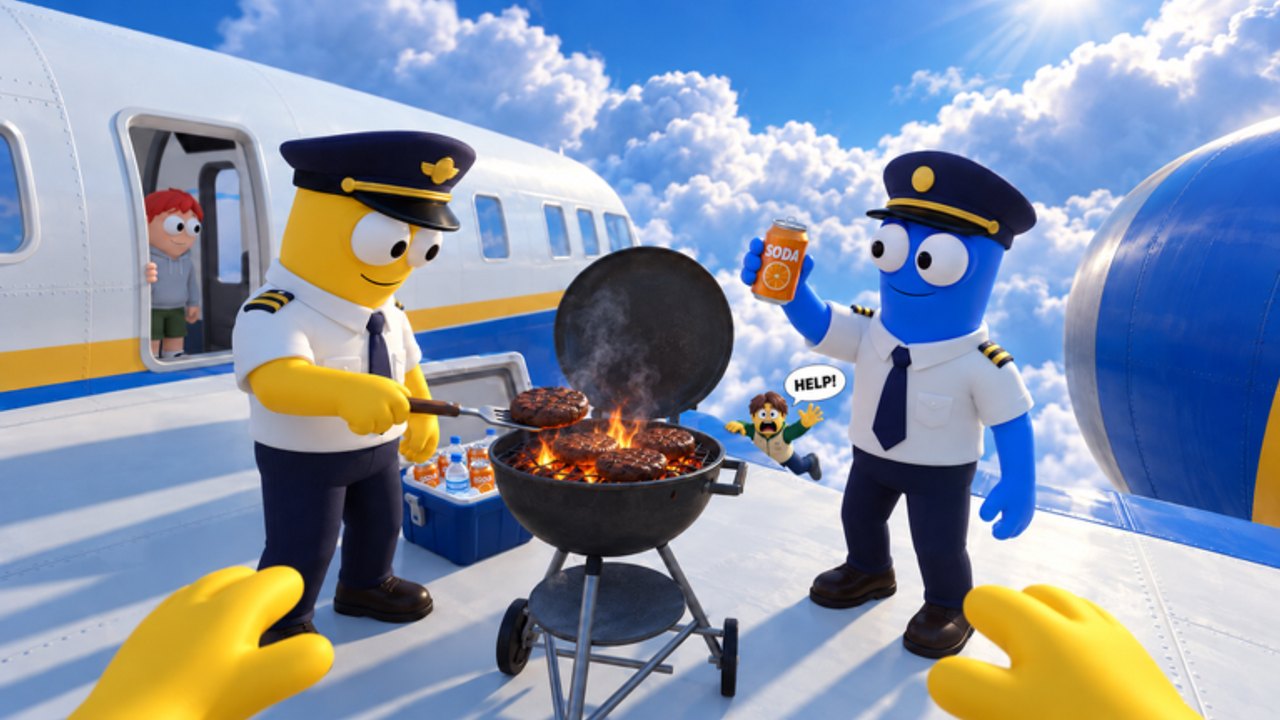
Cabin Chaos is a Roblox co-op airline cabin simulator from FriendSlop Interactive. The place is live in beta (early access) — treat everything here as a strong starting map, not a final rulebook. You and up to 23 other players (24 total) keep a flight moving: check passengers in, load cargo, fuel up, take off, fly the route, serve the cabin, handle chaos, and land without turning the aisle into a ragdoll pile.
This getting-started guide covers how to launch a session, what the first hour should feel like, and which wiki pages to open next. For button-level detail, jump to Controls. For a full end-to-end checklist, use How to Complete a Flight.
Launch the experience
- Open the Cabin Chaos place on Roblox (PC, mobile, or console via the Roblox client).
- Choose Quick Play if you want a public server full of strangers and slap energy.
- Or create / join a private lobby with friends when you want role callouts and fewer random seat thieves.
- Spawn in, find prompts for check-in, cargo, fuel, and cabin tools, and start talking — voice or text callouts save flights.
Beta UI labels can shift. If a prompt name differs from this page, follow the in-world interaction highlight and update your mental map.
What you are signing up for
Cabin Chaos is not a silent seating chart. Physics chaos is intentional: bumpy landings, slaps, and the R ragdoll key turn tidy service into comedy. Your job is still to finish the route. Success looks like passengers boarded, cargo stowed, tanks fueled, meals delivered, nervous flyers calmed, thieves caught, toilet lock-ins rescued, mid-flight repairs handled, and a landing that the plane (mostly) walks away from.
Read Passenger Service once you own beverage and calm duties. When alarms hit at altitude, Mid-Flight Events is the recovery playbook. After you can finish a standard route, try Island Side Quests for desert mine blasts and glacier wreck thaws.
First-hour checklist
- Learn movement and R. Practice walking the aisle, interacting with carts and doors, then tap R so you know how ragdoll feels before a landing bounce. Details live on Controls.
- Pick a starter role. In a full 24-player lobby, specialize: someone owns fuel, someone owns cargo, others stay in the cabin. In a small friend lobby, rotate so everyone learns the full loop.
- Run one complete flight. Ignore perfect score fantasies. Use How to Complete a Flight as your order of operations from check-in through landing.
- Note Wing Bucks and rank. Currency is Wing Bucks. Ranks climb from Cadet toward Sky Legend. Emotes and skins unlock as you progress; the title often advertises [NEW SKINS] when cosmetics drop. Deep dive: Wing Bucks and Ranks.
- Skim codes later. As of November 2026 research, no working promo codes were confirmed. Still bookmark the Codes Hub and recheck after updates.
Team habits that save the flight
Call out unfinished jobs out loud: “cargo still open,” “nervous flyer in 12A,” “toilet lock-in,” “repair needed.” Cabin Chaos punishes silent lobbies more than clumsy ones. If someone ragdolls into a cart, reset, laugh, and re-serve — the beta is built for that energy.
Private lobbies are ideal for teaching friends. Assign one veteran as “cabin lead” for the first two flights, then swap leads so knowledge spreads. Quick Play is better for stress-testing your calm-flyer and seat-thief instincts against unpredictable humans.
Progression without burnout
You do not need every skin on day one. Finish clean flights, bank Wing Bucks, and unlock emotes or cosmetics that help you spot your avatar in a crowded aisle. Rank titles from Cadet upward are milestones, not gates that block the core loop. When FriendSlop ships new planes or cabin toys, check Updates and adjust this checklist.
Island treasure runs are optional spice, not a replacement for learning service. Clear at least one stable flight before diving into desert mines or glacier wrecks with randoms who still mash R on the jet bridge.
Common beginner mistakes
- Skipping fuel or cargo because the cabin looks busy — takeoff without prep fails the loop.
- Ignoring seat thieves until the cabin is unreadable; catch them early per Passenger Service.
- Treating ragdoll as a fail state instead of a recovery skill; practice standing up fast after R or bumpy landings.
- Chasing codes that do not exist yet — none were confirmed in November 2026 research; rely on Wing Bucks from play.
- Assuming the game is “fully released” — it is beta early access; expect patches and [NEW SKINS] banners.
Where to go next
| Goal | Open |
|---|---|
| Buttons and ragdoll | Controls |
| Meals, calm, thieves, toilets | Passenger Service |
| Repairs mid-route | Mid-Flight Events |
| Desert / glacier treasure | Island Side Quests |
| Currency and Cadet → Sky Legend | Wing Bucks and Ranks |
| Full loop checklist | How to Complete a Flight |
| Callouts and triage | Tips and Tricks |
| Private lobbies | Play with Friends |
| Cosmetics | Unlock Skins |
| All tutorials | Guides Hub |
Watch the embedded flight video on this page for a sense of pacing, then load into a private lobby and run your own messy first shift. Welcome aboard — try not to leave anyone locked in the lavatory.
Frequently Asked Questions
Quick answers for Cabin Chaos crews on Roblox.
Is Cabin Chaos still in beta?
Yes. The experience is currently in beta (early access). Do not treat it as a fully released final build; systems and cosmetics can change.
Quick Play or private lobby for learning?
Private lobby with friends is better for teaching roles. Quick Play is fine once you know controls and can handle seat thieves without callouts.
What should I unlock first?
Focus on finishing flights and earning Wing Bucks. Grab useful emotes or skins when they help you identify your character; ranks rise from Cadet toward Sky Legend over time.
Does the game support mobile and console?
Cabin Chaos runs on Roblox, so you can play on platforms Roblox supports for the experience, including PC, mobile, and console via the Roblox client.
Are there beginner promo codes?
No working promo codes were confirmed as of November 2026 research. Check the Codes Hub often in case FriendSlop Interactive adds some later.