
Cabin Chaos Codes
Honest status on promo codes, redemption habits, and where to look when FriendSlop drops gifts.
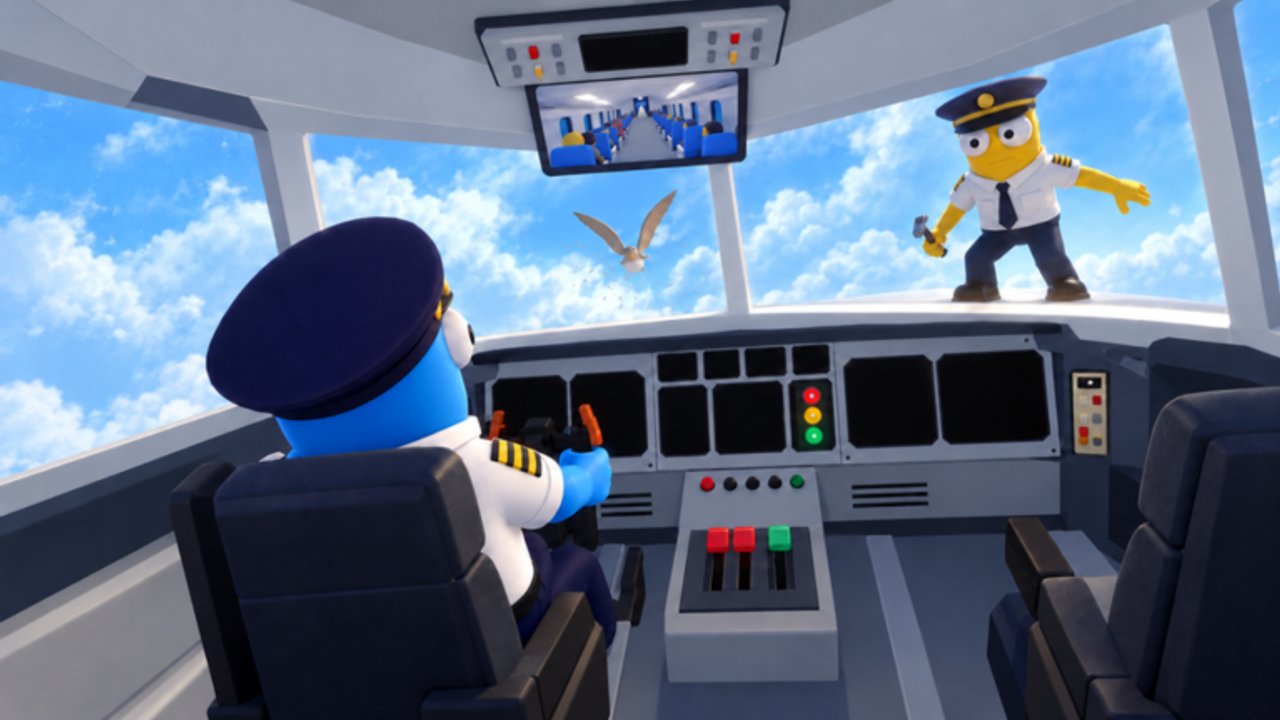
Looking for Cabin Chaos codes? This hub is the short, honest answer: as of our November 2026 research, there are no confirmed working promo codes for the Roblox cabin sim by FriendSlop Interactive. We will not invent fake strings, recycled codes from other airline games (including Cabin Crew Simulator), or “maybe works” lists that waste your time.
Cabin Chaos entered beta on 2026-08-29. The live title may show seasonal [XMAS + CHAOS] branding (XMAS + Chaos Update) without shipping a codes pipeline. Early betas often add a redeem UI, group gifts, or limited event strings later. Until something is verified in-game, this page stays empty on purpose.
Active codes (November 2026)
| Code | Reward | Status |
|---|---|---|
| — | — | No confirmed active codes |
When a real code appears, we will add the exact string, what it grants (Wing Bucks, skins, emotes, or cosmetics), and whether it looks limited-time. Expired rows move to an archive section so you can see history without confusing live redeem attempts.
How this wiki will list codes
Every future entry should include:
- Exact spelling — codes are case-sensitive on many Roblox experiences.
- Reward summary — currency, items, or cosmetics, never vague “free stuff.”
- Status — Active, Limited, or Expired.
- Notes — group join requirements, one-time redeem, or beta-only caveats.
If a code fails for you after we mark it Active, tell us via community feedback channels and we re-check. False positives get corrected quickly.
Where codes usually show up
For Roblox games like Cabin Chaos, promos typically land in:
- In-game announcement banners or a Codes / Redeem button on the HUD
- FriendSlop Interactive group shout or wall posts
- The official Roblox Cabin Chaos description or social links on the game page
- Update trailers and patch posts tracked on our Updates Hub
Do not trust random Discord “code drop” screenshots that demand you join shady servers. Prefer the developer group and the game client itself.
Redeem when codes exist
When FriendSlop enables redemption, follow the full walkthrough in How to Redeem Codes. The usual Roblox pattern is: open the experience → find Codes / Gifts / Redeem → paste the string → confirm → check inventory or Wing Bucks. Details can change during beta, so the dedicated guide stays the step-by-step source of truth.
Progress without codes
You do not need promos to enjoy Cabin Chaos. Focus on co-op cabin loops, ranks from Cadet toward Sky Legend, and Wing Bucks from solid flights:
- Start with Getting Started and Controls
- Learn service flow in Passenger Service and Complete a Flight
- Prep mid-air chaos with Mid-Flight Events and island runs in Island Side Quests
- Plan spend with Wing Bucks & Ranks and task priority on the Crew Tasks Tier List
- Use the Crew Checklist before takeoff
Safety note
Never buy “code packs,” never paste loadstrings that claim to auto-redeem, and never share your Roblox password. Scripts that promise free codes are usually malware — read our Scripts Hub and Executor Safety before you touch any third-party tool.
Bookmark this Codes Hub and the Updates Hub. The moment a verified promo lands, it will appear here first with clear rewards and redeem steps.
Frequently Asked Questions
Quick answers for Cabin Chaos crews on Roblox.
Are there any working Cabin Chaos codes right now?
As of November 2026 research, no promo codes are confirmed working. This hub stays empty until FriendSlop Interactive publishes a verified code.
Will you invent placeholder codes so the page looks full?
No. Fake codes waste player time and hurt trust. We only list strings we can describe honestly with rewards and status.
Where should I look when new codes drop?
Check this page, in-game UI, FriendSlop Interactive group posts, and the official Roblox game page socials. Also watch the Updates Hub after patches.
Do I need codes to rank up?
No. Wing Bucks and ranks from Cadet to Sky Legend come from playing flights, tasks, and side content. Codes are bonuses when they exist.
How do I redeem a code once one is live?
Follow How to Redeem Codes for the latest UI path. Typical flow is Codes/Redeem in the experience, paste, confirm, then check Wing Bucks or cosmetics.